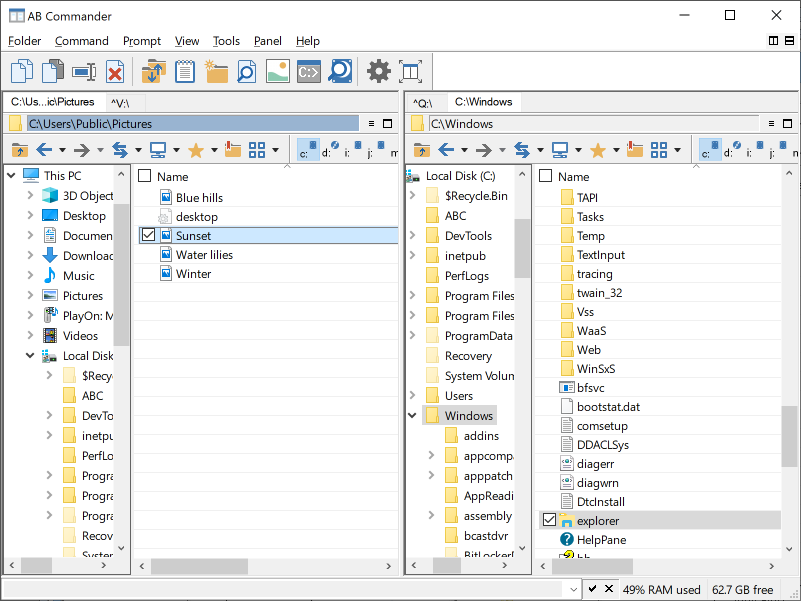
AB Commander: file manager and File Explorer replacement for Windows 11, 10, 8, 7
AB Commander is a dual-panel file manager that can replace Windows Explorer (or work together with it) to make working with files and folders faster and more efficient.
Copy and move files, synchronize folders, split and merge large files, create symbolic links and more. AB Commander comes with a built-in text editor, image viewer, file content comparison tool, and much more. Free 30-day trial is available for free download, no credit card required.
- Copy and move files between folders and drives;
- Synchronize folders;
- Full support of all Windows file systems;
- AB Commander is fully compatible with Windows 11, 10, 8, 7.